Everything You Need to Know About Electronic TV Repair
How to Start With Electronic TV Repair
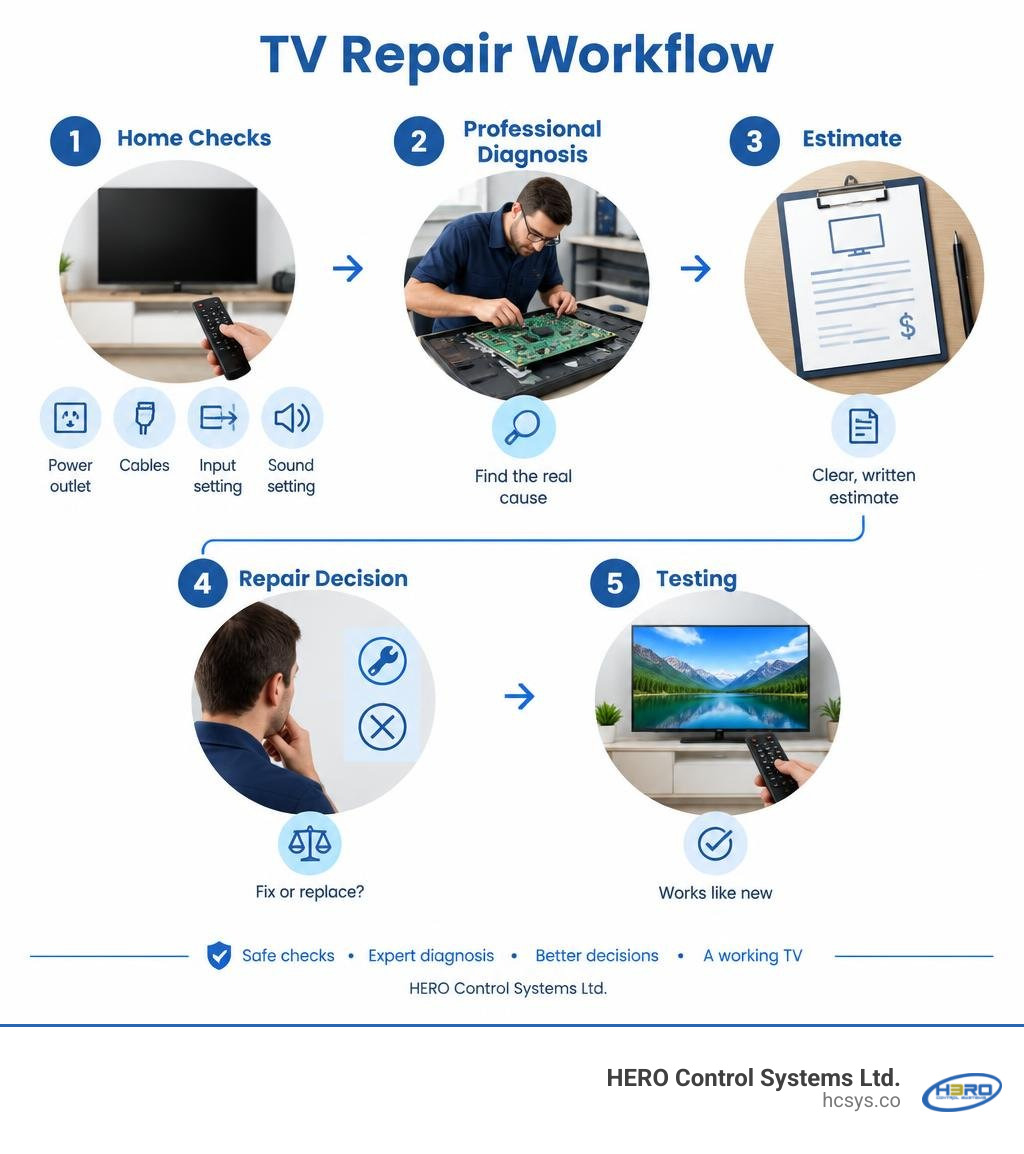
Before paying for electronic tv repair, check the power outlet, cables, input setting, and sound settings. Unplug the TV for a minute, reconnect it, and test another input or device. If it still has no power, shows lines or half a picture, or has sound but no image, note the symptoms and ask a qualified technician for a diagnosis and written estimate. Do not open the TV yourself: internal parts can hold a dangerous charge even when unplugged.
I’m Eng. Cephas Kalembo, founder and CTO of HERO Control Systems Ltd. My work in PCB design and industrial electronics repair informs this guide to electronic tv repair, from safe first checks to deciding whether a board-level fix is worth the cost.
The article editor does not render LaTeX. Do not write LaTeX commands or math delimiters in article copy. Explain calculations in plain language, or use an ordinary-text formula when useful, such as watts = volts × amps. Write units as readable text, such as ft³/hour or gallons/kWh. When asked to remove formulas or confusing mathematical notation, replace them with prose; do not substitute different equations or hide the notation in code.
Diagnosing Common Television Faults and DIY Troubleshooting
Modern flat-screen displays—whether LED, QLED, or OLED—combine high-voltage power regulation with sensitive digital processing units. When a failure occurs, the root cause often traces back to either external signal delivery, logic corruption, or discrete component degradation.
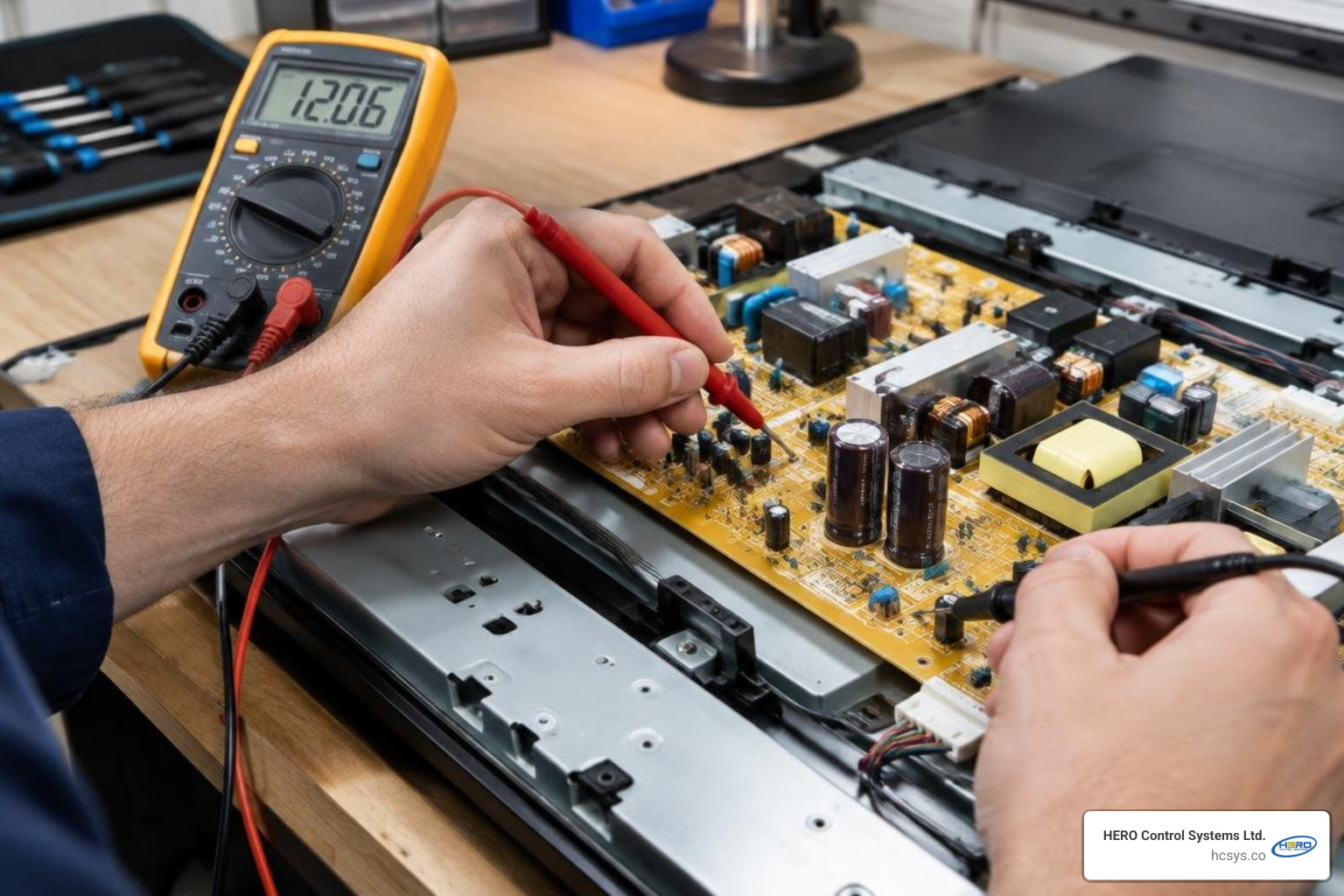
Before assuming an internal hardware breakdown, run through standard isolation checks. Digital signal handshakes over HDMI can drop unexpectedly, causing false symptoms of screen failure. Verify input channels, reseat cables, and isolate connected peripherals such as gaming consoles or set-top boxes. If a display exhibits distorted behavior after power fluctuations, testing methods closely resemble troubleshooting common faults in control boards, where systematically isolating power delivery from control logic reveals the defect.
Working around high-voltage circuitry requires rigorous care. Modern TV power supplies house large electrolytic filter capacitors that store lethal energy long after the unit is disconnected from the wall outlet. To protect personal safety and prevent static discharge damage to delicate silicon, technicians adhere strictly to safety protocols such as the EIS36rev1: Safety in electrical testing - service and repair of audio, TV and computer equ guidelines.
Step-by-Step Checks for Power, Sound, and Settings Glitches
Follow these non-invasive steps before booking a bench service:
- Perform a Full Power-Cycle: Unplug the television from the AC wall outlet. Press and hold the physical power button on the TV frame (not the remote) for 30 seconds to drain remaining capacitive charges, then leave it disconnected for 15 minutes before plugging it directly into a known working wall receptacle.
- Resolve Audio-Video Desynchronization: If dialogue lags behind video movement, open your TV's sound settings and navigate to the Audio Delay or Lip Sync slider. Adjust in increments of 10 milliseconds to balance processing latency across external soundbars.
- Eliminate Audio Echoing: When both the internal TV speakers and an external optical/eARC audio system run simultaneously, an acoustic echo occurs. Set your TV audio output setting exclusively to External Receiver or Optical Out to silence internal drivers.
- Fix Video Aspect Distortion: If images appear cropped, stretched, or squashed, enter picture options and change the aspect ratio to Direct, Just-Fit, or 1:1 Pixel Mapping rather than Wide Zoom or 16:9 Overscan.
- Update Firmware via USB: If system apps crash or network connections fail intermittently, download the latest operating firmware from the manufacturer's support site onto a FAT32-formatted USB drive and initiate a manual firmware recovery through the system service menu.
Identifying Panel Failures: Backlights, Lines, and Half-Screen Artifacts
When visual artifacts arise, distinguishing between a dead LED strip, a failed timing controller (T-Con) board, and an irrecoverable LCD panel failure saves diagnostic time:
- The Flashlight Test (Backlight Failure): If your television produces sound and reacts to remote commands but displays a totally dark screen, shine a high-intensity flashlight inches away from the display glass at an angle. If you can faintly make out menu text or silhouettes beneath the glass, your LCD panel is functioning, but the internal LED backlight strips or their dedicated driver circuit have burned out.
- Vertical or Horizontal Colored Lines: Fine, distinct colored lines spanning across the display usually point to failing source-driver flexible printed circuits (COF/TAB ribbons) or failed multiplexer channels on the T-Con board. If lines persist inside on-screen setup menus, hardware degradation is present.
- Half-Screen Artifacts or Darkening: If one half of the screen is dark while the other functions, a single backlight rail channel has opened. If one half displays distorted vertical bars or freezes, the gate-driver circuit within that panel edge has shorted, or the flat flexible cable (FFC) connecting the T-Con to that side has oxidized.
When to Choose Electronic TV Repair vs. Buying a Replacement
Determining whether to service or replace a display depends on panel integrity, equipment age, and the exact board requiring attention. A widely accepted standard in the electronics industry is the 50-percent rule: if the total cost of repair (parts plus certified labor) exceeds 50% of the cost of an equivalent new replacement set, replacement is generally favored unless the unit is a high-performance studio display.
| TV Size & Technology | Common Failure Mode | Estimated Repair Cost (USD) | Estimated Replacement Unit Cost (USD) | Recommended Action |
|---|---|---|---|---|
| 32"–43" Entry LED | Power Supply / Mainboard | $80 – $130 | $150 – $220 | Replace if over 4 years old |
| 55"–65" Mid-Tier 4K UHD | Backlight Strips / T-Con | $120 – $190 | $400 – $650 | Repair (High cost-efficiency) |
| 65"–77" Premium OLED/QLED | Power Supply / Sub-Board | $150 – $280 | $1,200 – $2,500 | Repair (Significant savings) |
| Any Size (Any Model) | Cracked Physical Glass/Panel | $400 – $1,800+ | Brand Dependent | Replace (Panels exceed set value) |
| Samsung The Frame / Neo QLED | One Connect Unit Failure | $180 – $380 | $1,400 – $3,000 | Repair (Specialist board rework) |
Evaluating Repair Costs Across Modern Display Technologies
Display technology plays a major role in parts accessibility:
- Edge-Lit vs. Direct-Lit LED Arrays: Direct-lit arrays feature several modular LED string bars behind the diffuser, making bench replacement straightforward and cost-effective. Edge-lit panels require delicate teardowns of optical light guides that warp under heat, demanding experienced handling.
- Quantum Dot (QLED) Assemblies: QLED displays use a specialized quantum-dot enhancement film over standard blue LED backlights. Servicing power supplies or main processing boards on these sets delivers exceptional return on investment compared to purchasing a new high-nit unit.
- OLED Panels: Because OLED technology utilizes self-emissive organic diodes rather than backlight arrays, individual sub-pixel wear is unserviceable at the component layer. However, auxiliary systems—including switch-mode power supplies, logic mainboards, and voltage-boost stages—are fully repairable.
The Economic and Environmental Advantages of Board-Level Fixes
Scrapping a television for a single failed surface-mount capacitor discards pounds of refined metals, engineered plastics, and functioning silicon controllers. Board-level diagnostics align with the principles of the repair circular economy ESG framework, cutting down on industrial e-waste while saving substantial capital.
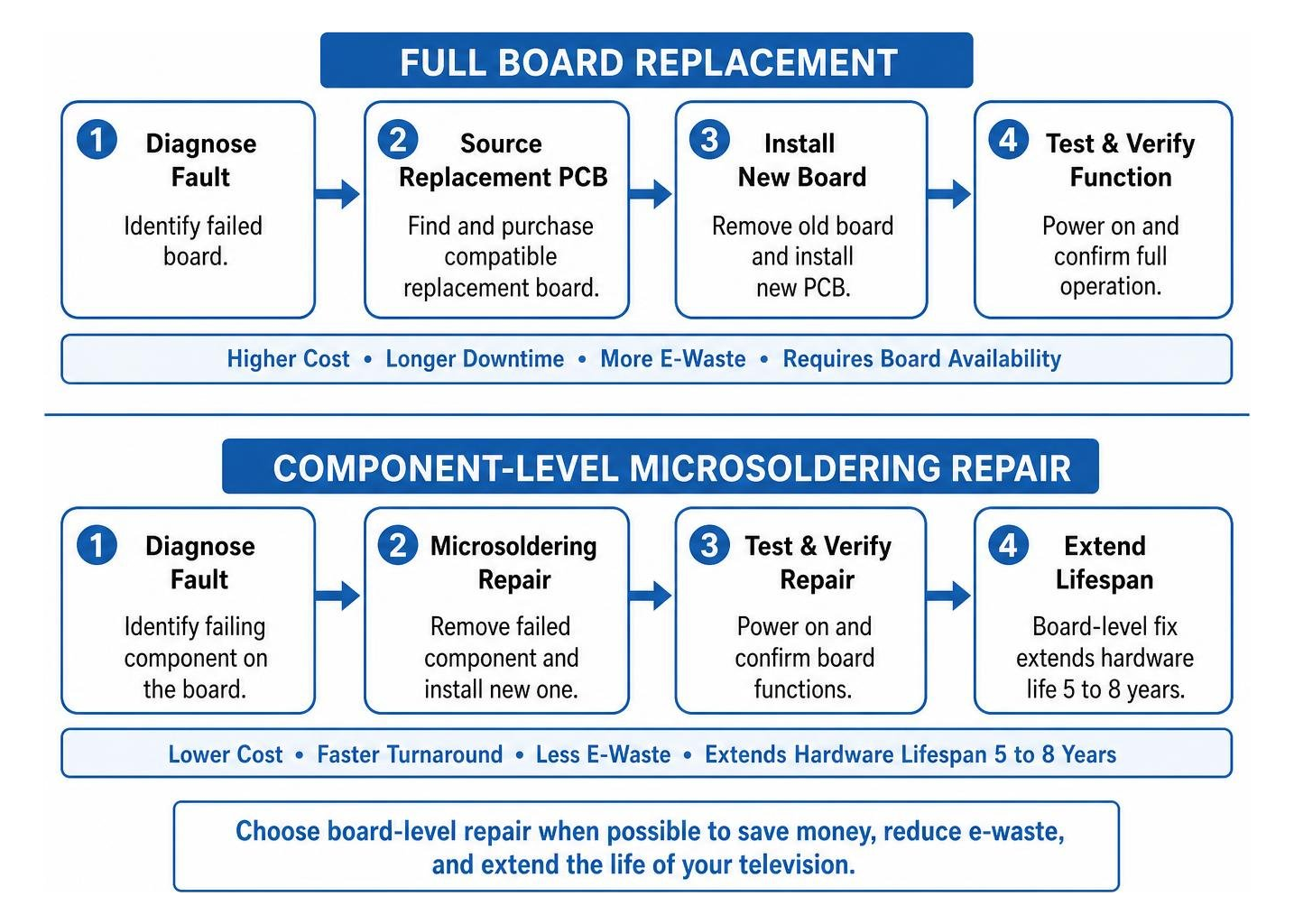
When an internal circuit fails, technicians determine whether to replace individual micro-components or follow best practices for sourcing and installing a replacement PCB board. Board-level rework extends hardware lifespan by 5 to 8 years at a fraction of raw manufacturing energy.
Core Technical Solutions in Modern Television Servicing
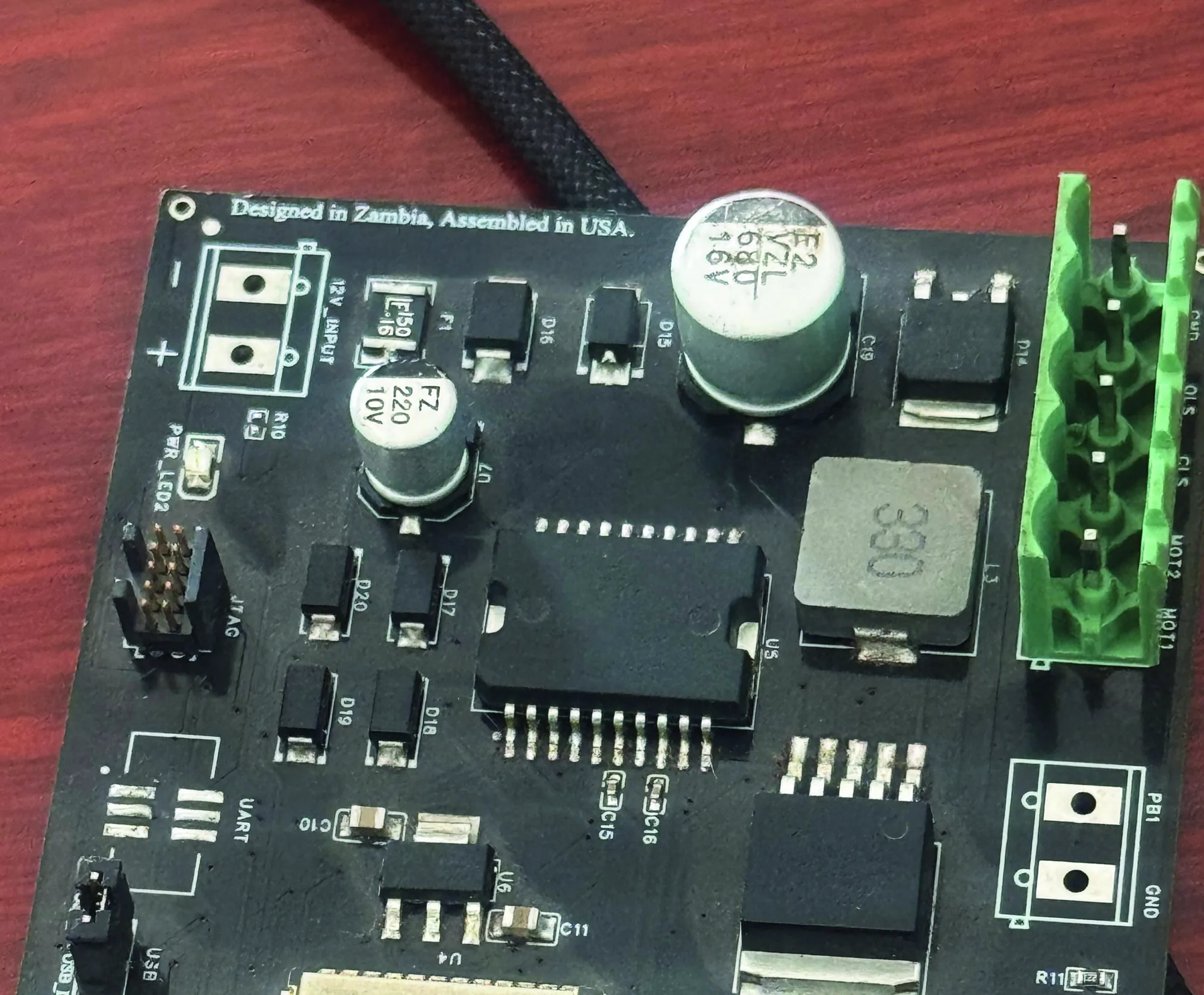
Modern professional electronic repair targets the printed circuit board level rather than treating entire assemblies as disposable modules.
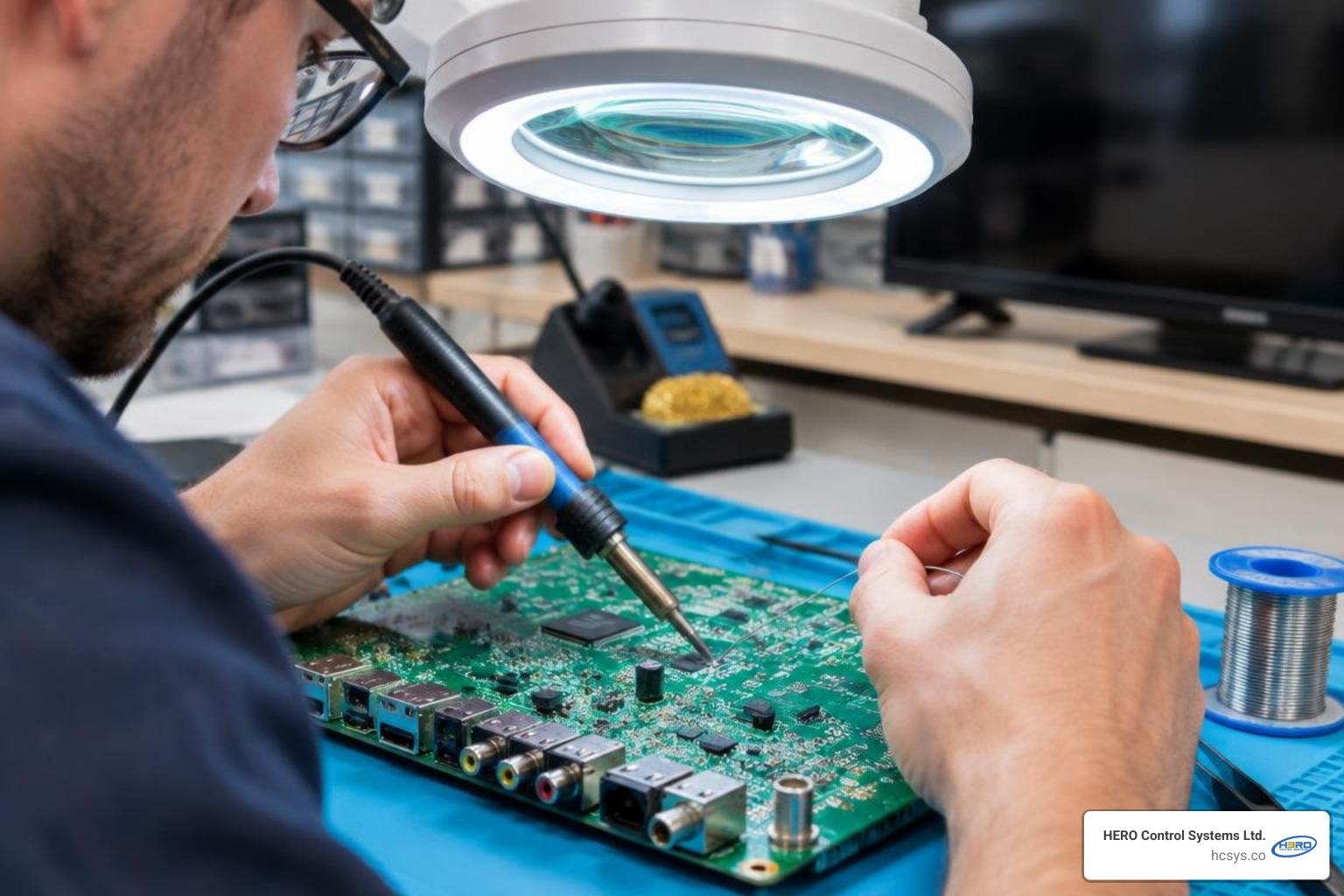
When micro-traces or copper contacts lift due to thermal stress or mechanical flex, technicians use specialized procedures for fixing PCB pad lift and restoring solder continuity, preserving the original board layout.
Professional Electronic TV Repair for Power Supplies and Mainboards
Televisions rely on two primary internal processing boards:
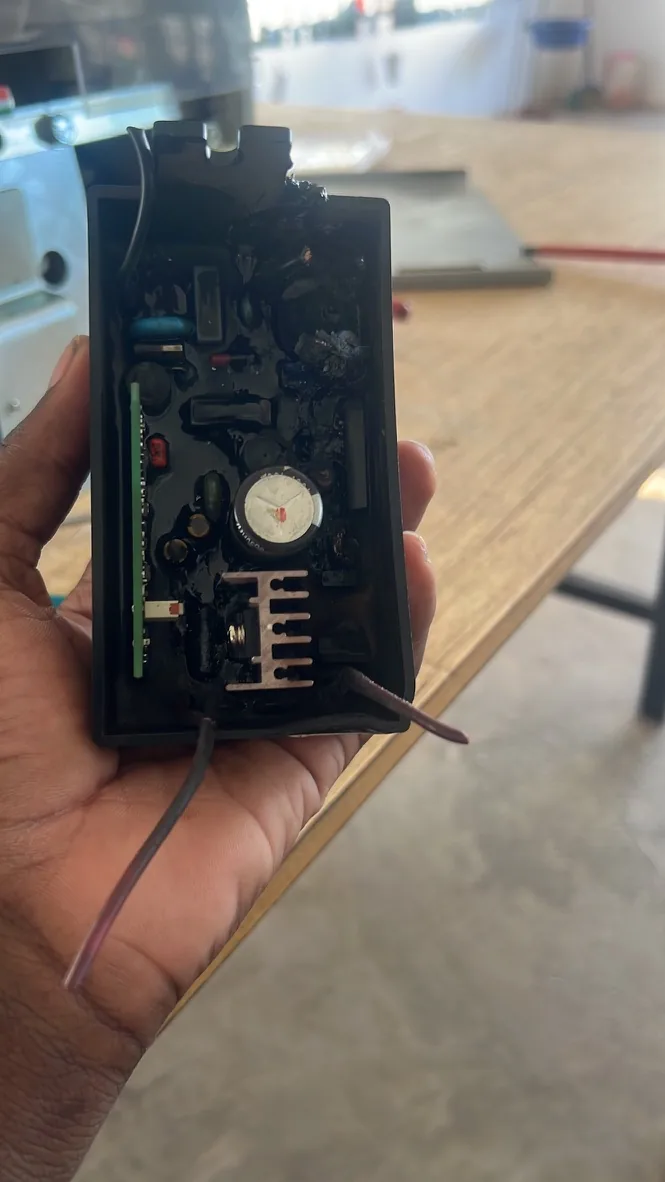
- Switch-Mode Power Supply (SMPS): This board steps down primary AC mains to steady direct-current rails (typically 3.3V, 5V, 12V, 18V, and high-voltage DC for LED arrays). Voltage spikes degrade bridge rectifiers, MOSFET switches, and filter capacitors. Technicians measure low Equivalent Series Resistance (ESR) on capacitors and replace damaged diodes to restore clean voltage.
- The Main System Board: Housing the system-on-chip (SoC), HDMI interface controllers, audio amplifiers, and EEPROM flash modules, the mainboard manages video decoding. Common repairs include micro-soldering replacement HDMI 2.1 input ports strained by physical cables, replacing damaged audio power amplifiers, or reflashing corrupt SPI/NAND flash memory chips that trap the TV in reboot loops.
Specialized Electronic TV Repair for Samsung One Connect Boxes
Modern ultra-thin and lifestyle TVs (such as Samsung The Frame series) offload input ports, tuners, and power transformations to an external enclosure known as the One Connect Box. A single proprietary fiber-copper hybrid cable connects this external console to the display panel.
Due to compact thermal designs, One Connect units often endure high internal temperatures, leading to:
- Intermittent Thermal Shutdowns: Overheated power switching stages entering safe mode.
- HDMI Handshake Drops: Failed ESD protection arrays around high-speed transceiver chips.
- Total Power Absence: Failed primary rail fuses and step-down PWM regulators.
Rather than replacing these expensive proprietary hubs, specialized technicians perform component-level rework on the motherboard inside the enclosure, replacing thermal interface compounds, burned diodes, and power ICs at significant savings.
How to Select a Trustworthy Repair Shop and Avoid Red Flags
Finding a dependable electronics workshop ensures high-grade replacement components, clear warranty coverage, and safe handling of sensitive display panels.
Essential Service Standards: Pricing, Warranties, and Turnaround
A professional electronics service facility should meet these operational benchmarks:
- Itemized Written Estimates: Diagnostics should clearly separate component costs from bench labor fees before any rework begins.
- Clear Warranty Coverage: Reputable service operations back their craftsmanship with at least a 90-day warranty covering installed parts and related labor.
- Realistic Turnaround Timelines: Standard component diagnosis and board repairs typically require 24 to 72 hours, accounting for bench stress-testing and thermal soak verification.
- Dedicated ESD-Safe Workspaces: Facilities should feature grounded antistatic mats, regulated soldering stations, and safe vertical panel storage racks.
Warning Signs of Unreliable Repair Providers
- Vague Verbal Pricing: Avoid shops that refuse to provide diagnostic tiers in writing or demand non-refundable commitments exceeding the value of standard diagnostic labor.
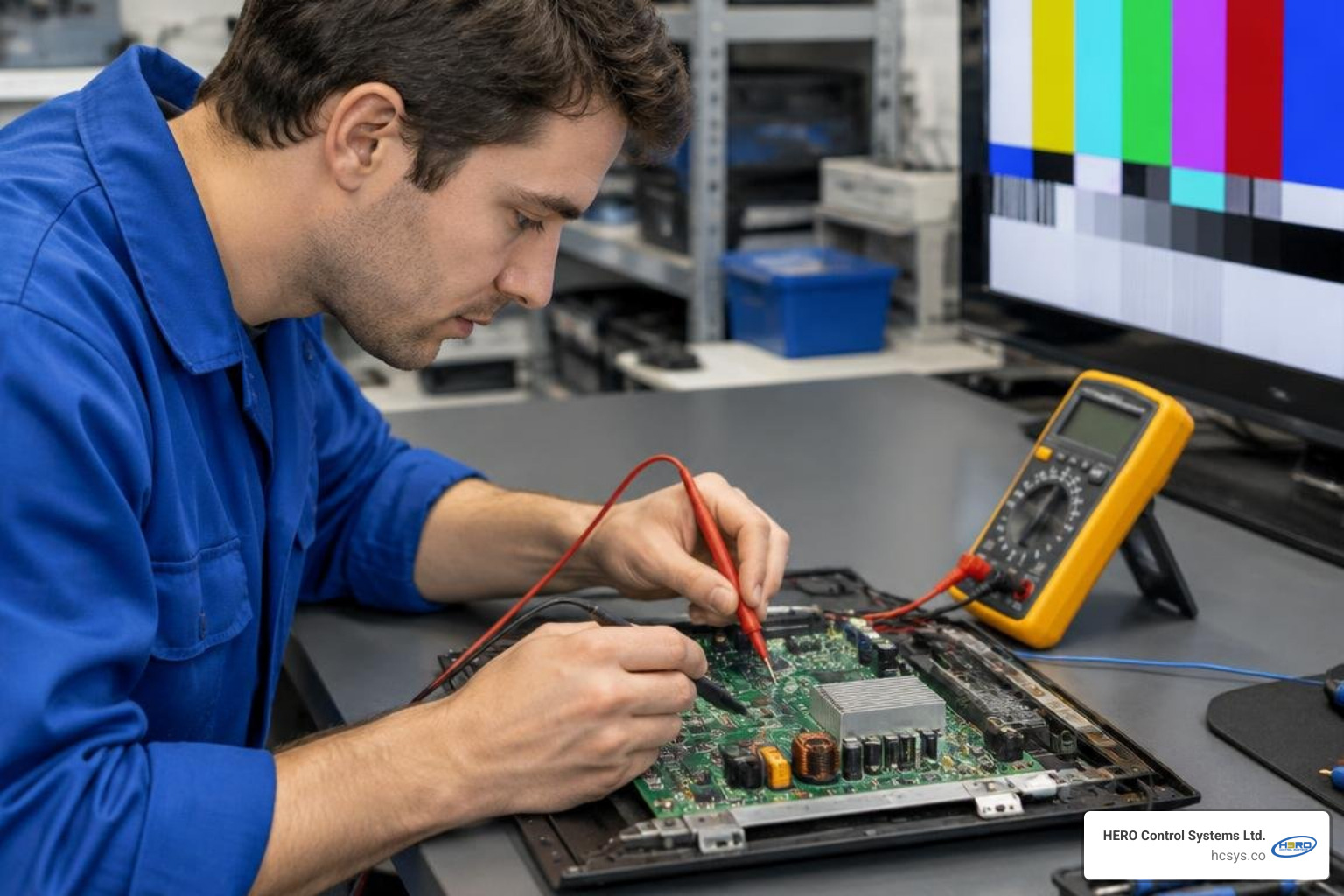
- Lack of Diagnostic Hardware: A repair bench devoid of multimeters, oscilloscopes, variable DC power benches, or optical magnification tools indicates an unqualified operation.
- Guarantees on Physically Shattered Glass Panels: Any service claiming they can "buff out" or "chemically repair" physically cracked internal LCD/OLED glass substrate is fraudulent. Shattered matrix displays require total panel replacement.
Frequently Asked Questions About TV Servicing
Can a cracked flat-screen TV panel be repaired economically?
No. An LCD or OLED panel is constructed from delicate layers of polarized glass containing liquid crystals or organic emissive sub-pixels. When physically cracked, the vacuum seal and internal matrix lines are severed beyond recovery. Because a replacement display panel represents 70% to 90% of the original television's manufacturing cost—excluding freight and assembly labor—replacing cracked glass on consumer flat screens is rarely economical.
How long does a typical circuit board repair take?
Bench diagnosis generally takes between 1 to 2 hours. Once the defective components (such as blown power MOSFETs, open resistors, or dry capacitors) are identified and in stock, soldering and trace rework takes 1 to 3 hours. Reputable repair shops subsequently run a mandatory 4-to-12 hour continuous thermal burn-in test to verify circuit stability under load, making total turnaround roughly 24 to 72 business hours.
Why does my TV have sound but no picture?
Sound without picture usually indicates that the main logic board is receiving and decoding broadcast audio, but light output or video distribution has stopped. The two most common causes are burned-out LED backlight strips (or a tripped backlight power rail) and an unseated or defective T-Con ribbon cable. Performing the simple flashlight test confirms whether the internal LCD display is generating image data beneath the darkness.
Conclusion
A malfunctioning television does not automatically belong in a landfill. By understanding basic troubleshooting checks, recognizing distinct hardware symptoms, and assessing when board repairs make financial sense, you can save significant money while extending the life of your entertainment investment.
When your equipment requires advanced component diagnostics, board rework, or custom electronics engineering, partner with experienced professionals. Explore our engineering and electronics repair services at HERO Control Systems Ltd. to discover how our team delivers reliable component-level solutions.