Cambium radio repair: lightning, water and PoE faults
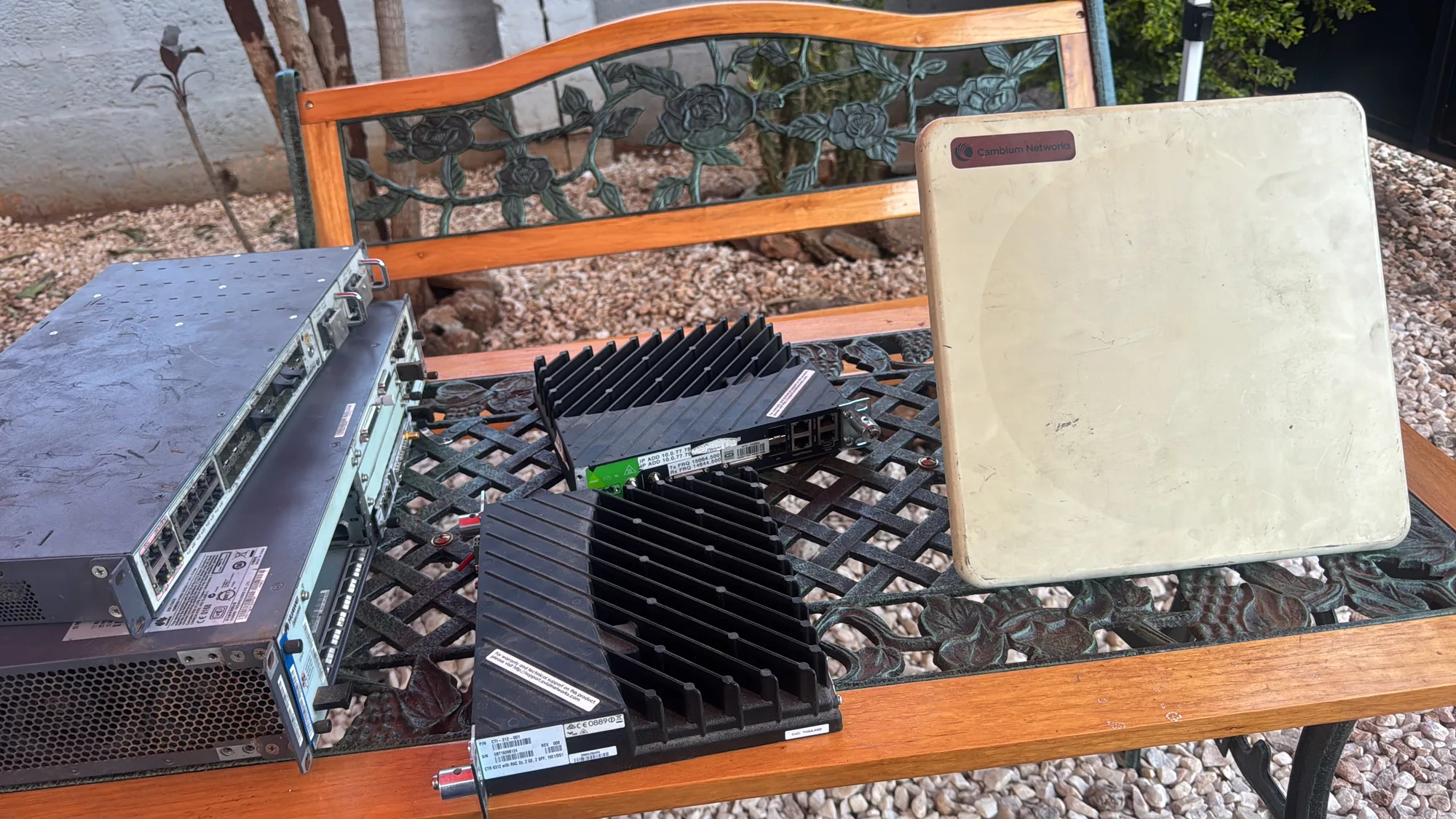
Cambium Networks radios carry a large share of Zambia's fixed wireless traffic. Wireless internet providers use them for last-mile connections to homes and offices. Businesses use them to link farms, mines and branch offices, and operators use them to reach sites that fibre does not. We have repaired a Cambium PTP 450i and returned it working. Experience with these radios points one way: many "dead radios" are really cable, injector or surge faults, and the rest follow a few predictable patterns.
The Cambium families you will meet
- ePMP, including the Force subscriber units: point-to-multipoint for wireless internet providers and enterprise last mile.
- PMP 450 (450i, 450m and relatives): carrier-grade point-to-multipoint.
- PTP 450i, PTP 670 and PTP 700: point-to-point links, mostly all-outdoor units.
- PTP 820: licensed microwave, often in split-mount form with an indoor and an outdoor unit.
Most of these are all-outdoor radios fed by a single Ethernet cable. Power over Ethernet (PoE) comes from an injector indoors. That one cable is both the radio's lifeline and the most likely path for damage.
What fails most, and why
1. Surge damage on the Ethernet port
A long Ethernet cable up a mast behaves like an antenna for lightning. A nearby strike induces a surge that arrives at the radio's Ethernet port. It hits the magnetics (the small transformers that isolate the port), the TVS protection diodes and the Ethernet PHY chip. Symptom: the radio has power but no Ethernet link, or it is completely dead. In Zambia this failure clusters in the rainy season, roughly November to April.
2. The injector, not the radio
A failed PoE injector looks exactly like a dead radio from the ground. So does the wrong injector. Cambium's range uses different PoE voltages: higher-voltage gigabit injectors (in the 56–58 V class) for the 450i and 670 families, and different supplies for some ePMP units. Feed a radio the wrong one and it either will not start or is damaged.
3. Water ingress
Cable glands, connector boots and gaskets age in the sun. Once water gets in, it corrodes the port and the RF connectors from the inside. Symptom: intermittent faults that are worse after rain.
4. The RF front end
On radios with connectors for external antennas, a damaged cable or antenna reflects transmit power back into the amplifier. Lightning on the antenna path does the same. Symptom: transmit power well below its setting, or a link that has lost range for no obvious reason.
5. GPS on synchronised networks
Point-to-multipoint access points use GPS to keep their timing aligned. When the GPS module or its antenna fails, the radio works but will not synchronise, and interference rises across the network.
6. Firmware interrupted by a power cut
This one is very Zambian. An upgrade started just before load-shedding, with no UPS on the injector, can corrupt the radio's firmware. Most Cambium radios have a recovery mode for loading firmware again. Use the procedure for your model.
Radio fault or link fault? Check this first
- Test with a known-good injector of the type Cambium specifies for that model, and a short known-good cable, straight to a laptop. If you can reach the radio's web page, the radio may not be the problem.
- Measure the injector's output with a multimeter before you condemn the radio.
- Compare against the plan. Cambium's free LINKPlanner tool predicts the signal level a link should achieve. If the radio reports far less, check alignment, cables, connectors and obstructions such as new buildings and tree growth before blaming the radio.
- Read the radio's own diagnostics. Signal level and quality per chain, transmit power, error counters, and the built-in spectrum analyser all point to the faulty part.
How we repair a Cambium radio on the bench
- Intake. Record the serial number and MAC address, the symptom, and the site history: was there a storm, a power cut or a recent upgrade? Save the configuration if the radio still answers.
- Inspect. Look for water marks, corrosion on the connectors, and burnt protection parts near the Ethernet port.
- Power and Ethernet. Test the PoE input circuit and the port's magnetics, TVS diodes and PHY. Replace damaged parts at component level.
- Firmware. Recover or reload the firmware where needed, and restore the saved configuration.
- RF test. Link the radio to a partner radio. For radios with connectors, go through fixed attenuators; never connect two radios directly. For integrated-antenna units, use a safe test distance. Check transmit power and receive levels, and look for spurious signals on the spectrum.
- Burn-in. Run a continuous test link for hours with no dropped traffic, then reseal the unit and return it with a report.
Installation habits that prevent callouts
- Surge suppressors at both ends. Cambium recommends surge suppressors at the radio and at the point where the cable enters the building, both bonded to a good earth. Fit them on every link, not only the important ones.
- Outdoor-rated shielded cable, with proper earthing of the shield and the mast.
- Drip loops and sealed glands, so water runs off before it reaches the connectors.
- The right injector, on a UPS. Use the model's specified injector, and put it on a UPS. Load-shedding brownouts and power cuts during upgrades cause avoidable failures.
- Check earthing before the rains. Do it in October, not after the first storm.
- Back up every configuration. Licensed links are authorised by ZICTA. A repaired radio must go back with exactly the frequencies, power and settings it left with.
We repair Cambium radios, injectors and the transmission equipment around them in Lusaka. See our telecom repair service, or contact us about a failed link.