BTS fans: the cheapest part that takes a site down
A fan is one of the cheapest parts on a base station. When it stops, the baseband unit overheats, throttles and eventually shuts down, taking every sector it serves with it. Fan failures are also among the most predictable on a site. They follow dust, heat and hours of running, and all three can be managed.
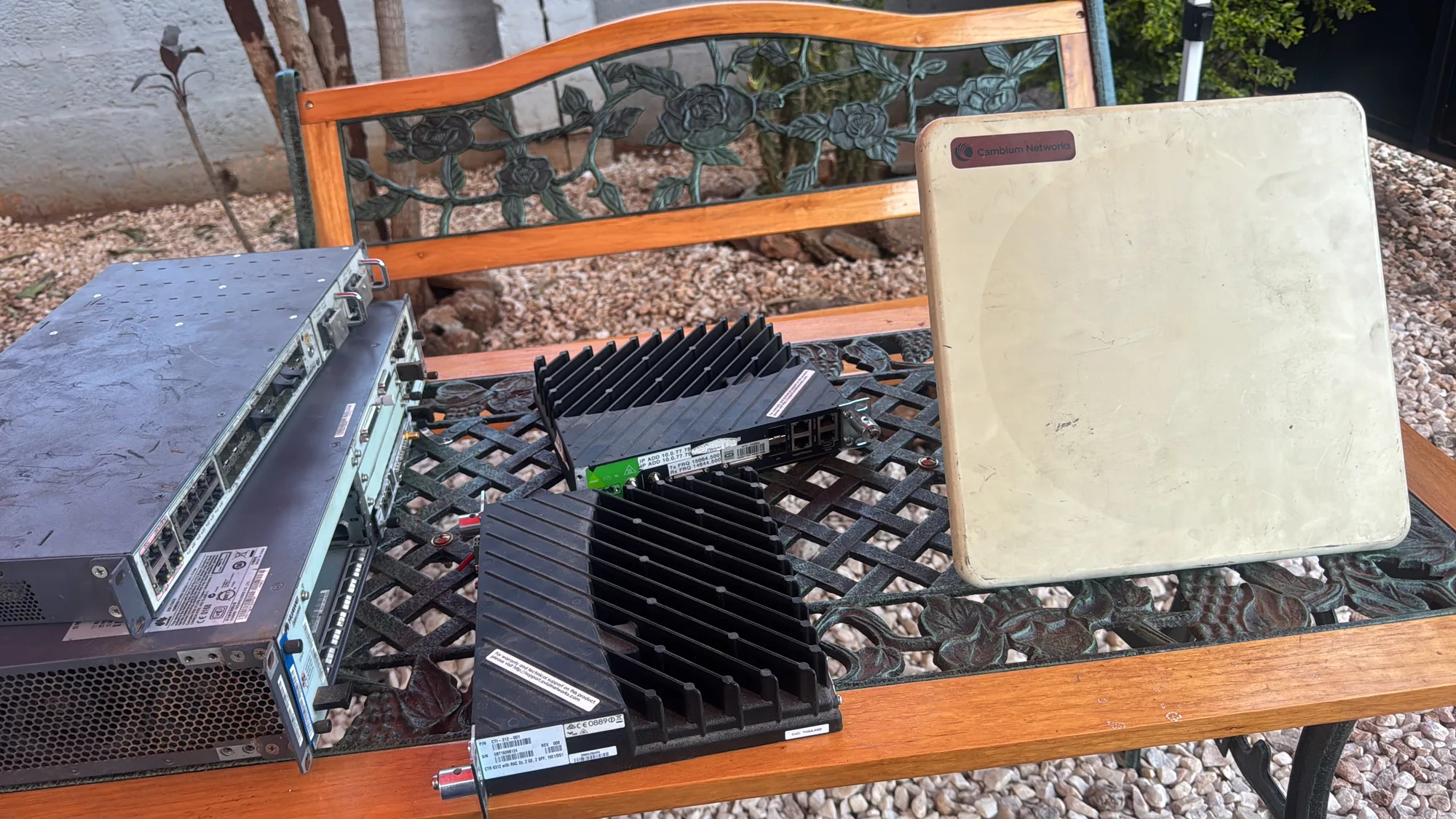
BBU3900 fan units are a regular sight on our Lusaka bench, and the ones we have repaired went back to their operator working. This article explains where the fans are on a site, how a fan unit's electronics work, what fails most, and how we test and repair them.
Where the fans are on a site
- The BBU fan module. Baseband units such as Huawei's BBU3900 and ZTE's equivalents slide in a fan module that pulls air across every board in the subrack.
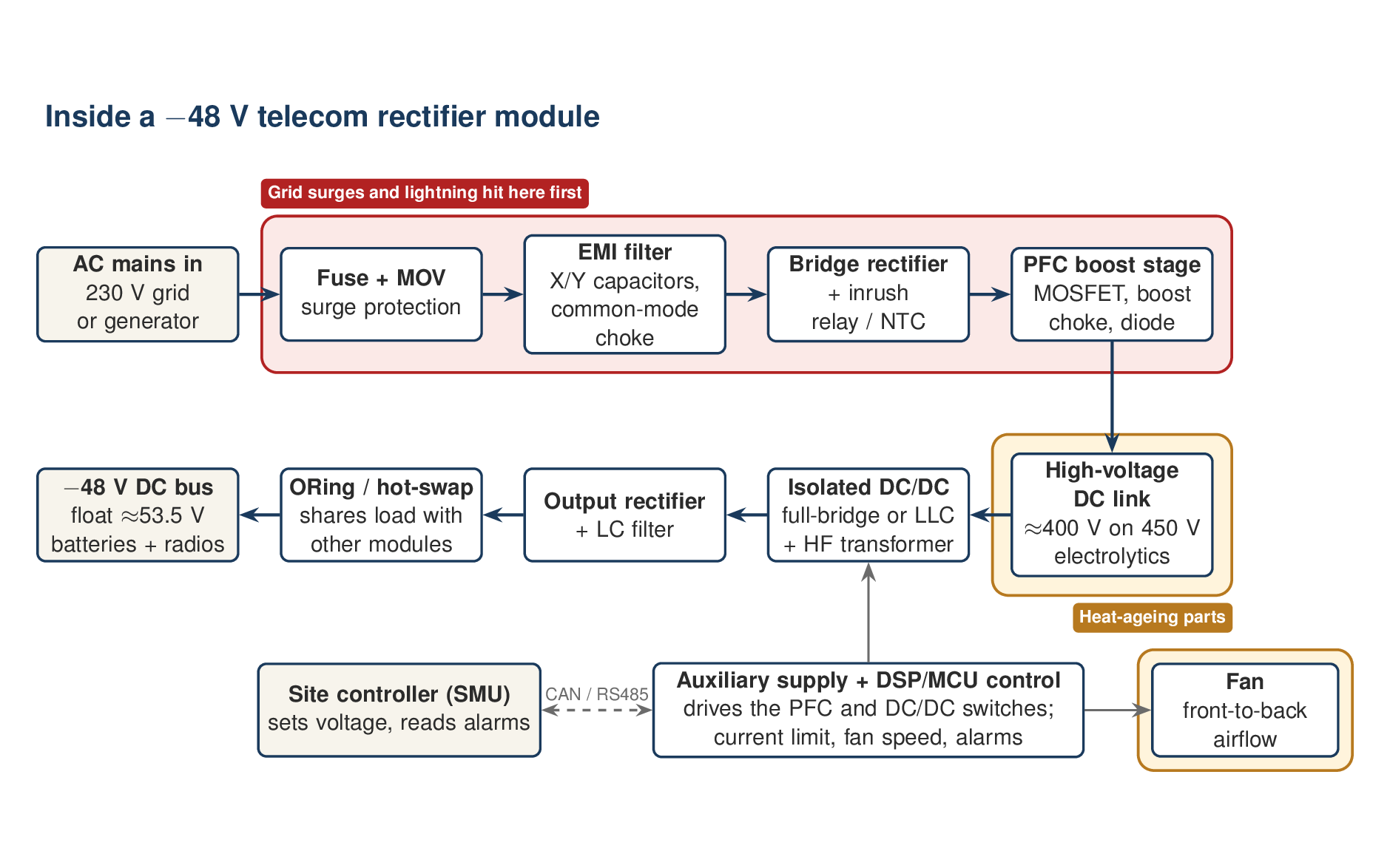
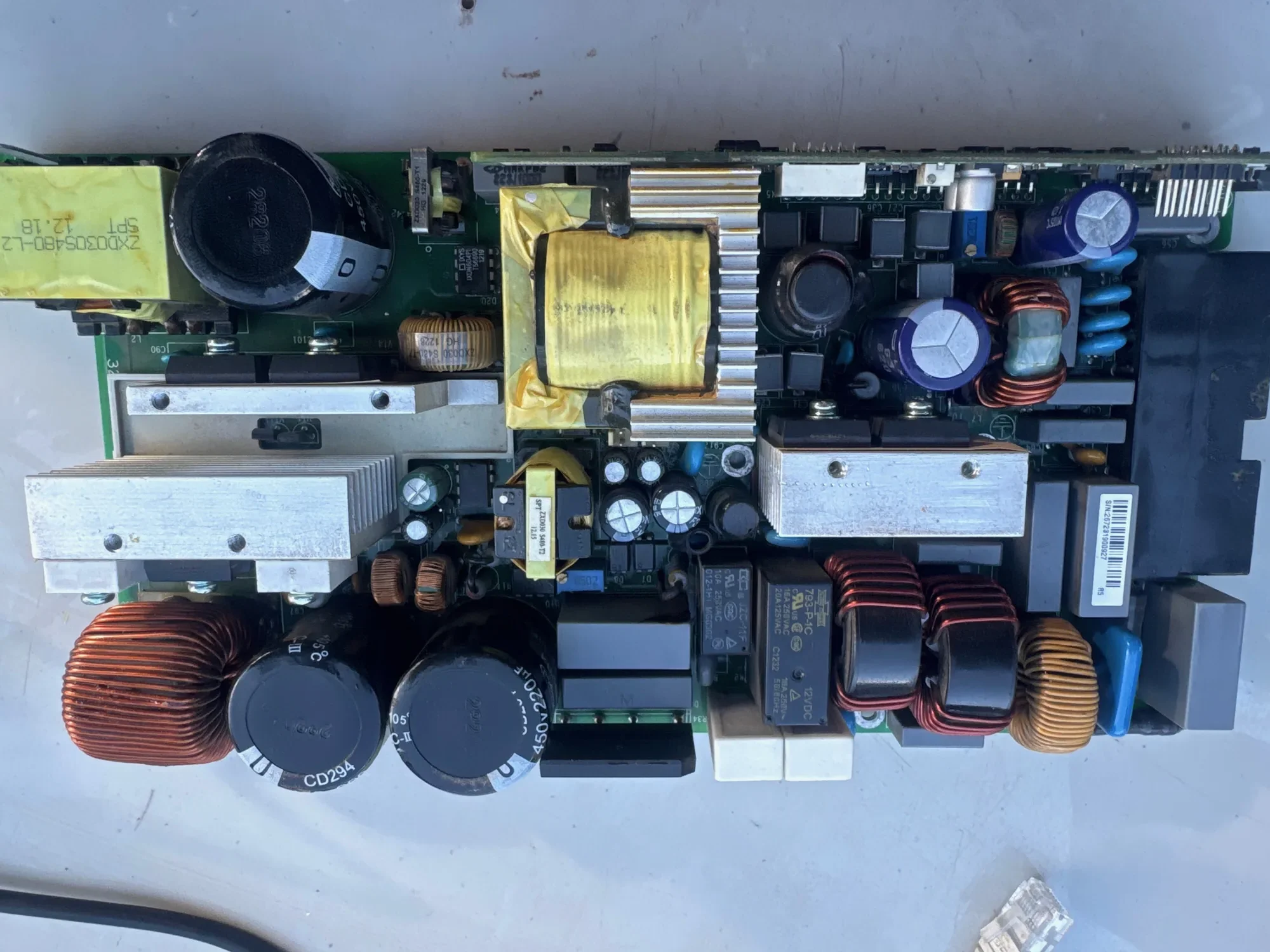
- Rectifier modules. Each rectifier has its own fan. See our articles on ZTE and Huawei rectifiers.
- Outdoor cabinets. Fans or heat exchangers move heat out of sealed cabinets, and shelters rely on air conditioning.
- Transmission equipment. Microwave indoor units and cell-site routers have their own fan trays.
- Not usually the RRU. Most remote radio units are cooled by their finned bodies alone.
How a fan unit works
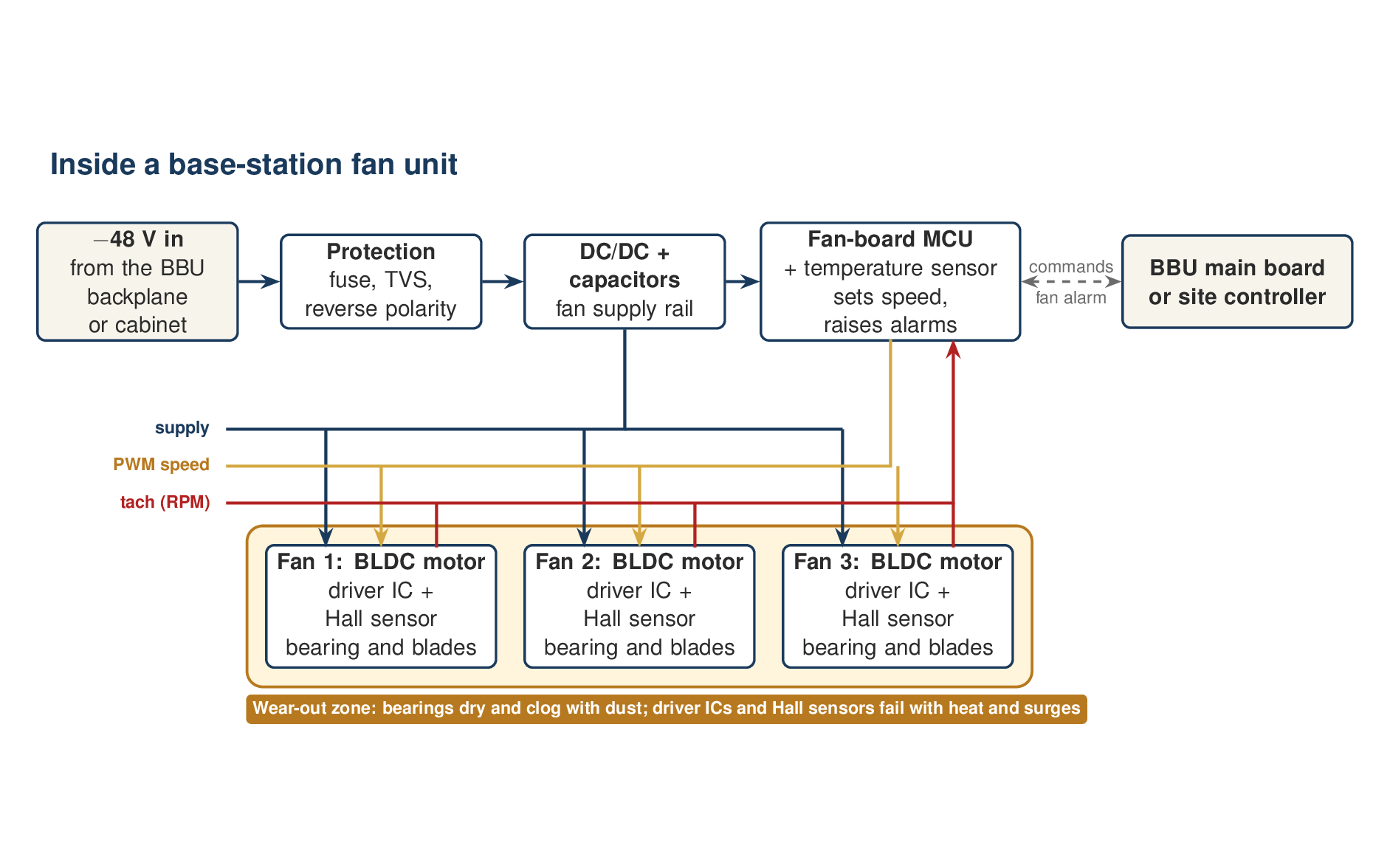
A BTS fan unit is not just a set of fans. It is a small electronic system:
- Brushless DC (BLDC) motors. Each fan has a driver IC inside its hub that switches the motor windings, using a Hall sensor to know where the rotor is.
- Four signals per fan, in the common design: supply, ground, a PWM line that sets the speed, and a tach line that pulses as the fan turns, so the controller can count its speed.
- A control board. It protects and converts the incoming −48 V, reads a temperature sensor, sets the fan speeds, and reports a fan fault to the BBU when a tach signal goes missing or too slow.
So "fan fault" on the BBU can mean a worn bearing, a dead driver chip inside one fan, a broken tach wire, or a failure on the control board while the fans themselves are fine. Good repair starts by telling these apart.
What fails most, and why
1. Bearings
This is the classic. Heat dries the lubricant, and dust gets in. A failing bearing first ticks or grinds, then slows, then seizes. Sleeve bearings are cheaper but wear sooner in heat. Ball bearings last longer in hot equipment rooms.
2. Dust on blades and filters
Zambia's dry season, roughly May to October, puts fine dust into every cabinet, especially at rural sites near gravel roads. Dust on the blades and clogged filters cut airflow, so the controller runs the fans faster to compensate. That wears the bearings sooner, and the cycle feeds itself.
3. Fan driver electronics
The driver IC and Hall sensor in each hub fail with heat and with surges on the supply. The fan stops dead, or spins without a tach signal, which the controller reads as a stopped fan.
4. The control board
Its DC/DC converter and capacitors age like any other power supply. Symptoms include every fan stopping at once, fans stuck at full speed, or a fan alarm when all the fans are physically fine.
5. Connectors
Corroded or loose connector pins between the fans, the board and the backplane give intermittent faults that come and go with temperature.
Why a fan fault matters more than the fan
Electronic parts age faster when they run hot. A widely used rule of thumb for electrolytic capacitors is that their life roughly halves with every 10 °C rise. A fan that runs slow for months shortens the life of every board it was meant to cool. That is why we treat a fan alarm as a fault on the whole subrack, not just on the fan.
How we test and repair a fan unit
- Intake and inspection. Record the serial number and the BBU's fan alarm history. Inspect the unit for dust, corrosion and damaged blades.
- Clean it properly. Use dry compressed air and brushes on an ESD-safe bench. Never use water, and hold each fan still while blowing it so the motor is not over-spun.
- Test each fan on its own. Power it from a bench supply at its rated voltage, with current limiting. Compare the current draw with the fan's label, and listen for bearing noise.
- Measure the speed. Read the tach signal on an oscilloscope or frequency counter. Many fans give two pulses per revolution, so RPM is the pulse frequency × 60 ÷ 2. Check the fan's datasheet for its pulse count.
- Sweep the PWM. Drive the PWM line from a signal generator (many DC fans expect around 25 kHz) and confirm that the speed follows the duty cycle.
- Test the control board. Check the input protection, the DC/DC converter, capacitor ESR and the temperature-sensor reading.
- Replace with a true match. Match the voltage, frame size, airflow and static pressure, speed range, tach type and pulse count, connector pinout and bearing type. A fan that looks right but reports speed differently will raise false alarms, or let the subrack run hot without any alarm at all.
- System test and burn-in. Run the unit in a BBU or with its controller. Confirm that every alarm clears and that the fan speed rises and falls with temperature. Then let it run for hours before sign-off.
A fan maintenance plan for Zambian sites
- Clean before the heat. Clean filters and fan units in September, before October's heat peaks, and quarterly at dusty rural sites.
- Listen on every visit. A healthy fan unit gives a smooth whisper. Ticking, grinding or a wavering pitch means it is time to replace.
- Read the numbers. Most network management systems show fan speeds and board temperatures. A fan creeping up in speed at the same room temperature is clogging. One falling in speed is wearing.
- Replace on noise, not on failure. A fan unit changed in a planned visit costs far less than an overheated BBU at night.
- Keep spares and repair in batches. A small stock of fan units per region, with failed units repaired locally in batches, keeps sites up without waiting on imports.
We repair BTS fan units, rectifier fans and the control boards behind them in Lusaka. See our telecom repair service, or contact us to set up batch repairs for your region.